

☰ Table of Contents
Does Your 2019 BMW Support Android Auto?
iDrive 6 and iDrive 7 behave very differently when it comes to Android Auto. Here's how to tell which you have — and what to do about it.
The 2019 BMW Android Auto Problem
If you've tried to find Android Auto in your 2019 BMW's settings and come up empty, you're not alone. The 2019 model year was a transition period for BMW — some vehicles left the factory with the older iDrive 6 system, while later builds came with the newer iDrive 7. The system you have determines everything.
| Feature | iDrive 6 | iDrive 7 |
|---|---|---|
| Apple CarPlay | ✓ Wireless | ✓ Wireless |
| Native Android Auto | ✗ Not Supported | ✓ Via OTA Update |
| OTA Software Upgrade | ✗ Not Available | ✓ Available |
| Hardware Upgrade Required | Optional adapter | ✗ Not needed |
How to Identify Your iDrive System
Before doing anything else, confirm which system is installed in your car. There are two quick ways to check without any tools.
Method 1 — Home Screen Layout
Method 2 — Instrument Cluster
iDrive 7 — Get Android Auto via Official OTA Update
If you have iDrive 7, congratulations — enabling Android Auto is a clean, official process that takes under 30 minutes and requires no hardware changes.
- Log in to your BMW ConnectedDrive account on a web browser at bmw-connecteddrive.com.
- Navigate to My Vehicles → Remote Software Upgrade.
- Select the 07/2020 software package (or the latest available update).
- Initiate the download. The update installs over-the-air while the car is parked.
- After the upgrade, open Settings → Connections in your iDrive. Android Auto will appear as a new option.
iDrive 6 — Wireless Android Auto Solutions
iDrive 6 does not support a software upgrade to iDrive 7. The two systems run on entirely different hardware architectures, and no software flash can bridge that gap. Attempting so-called "hardware flashing" or swapping aftermarket head units risks voiding your warranty and damaging your car's electrical architecture.
The safest and most effective path for iDrive 6 owners is a plug-and-play USB adapter — no modifications, no warranty concerns.
Carlinkit Wireless Multimedia AI Box for BMW
The Carlinkit Wireless Multimedia AI Box is our recommended solution for iDrive 6 vehicles. It projects a full Android operating system onto your factory screen via USB — no firmware modifications, no permanent changes.
Key Advantages
| Feature | Detail |
|---|---|
| iDrive Compatibility | Full iDrive rotary controller, steering wheel buttons, and factory microphone retained |
| Processor | Qualcomm octa-core — smooth navigation and media playback |
| Wireless Pairing | 5.8 GHz Wi-Fi channel for stable, low-latency connection |
| Standalone Mode | Stream YouTube or Netflix independently with an inserted SIM card |
| Warranty Impact | None — external plug-and-play, no wire splicing or firmware changes |
Real-World Customer Example
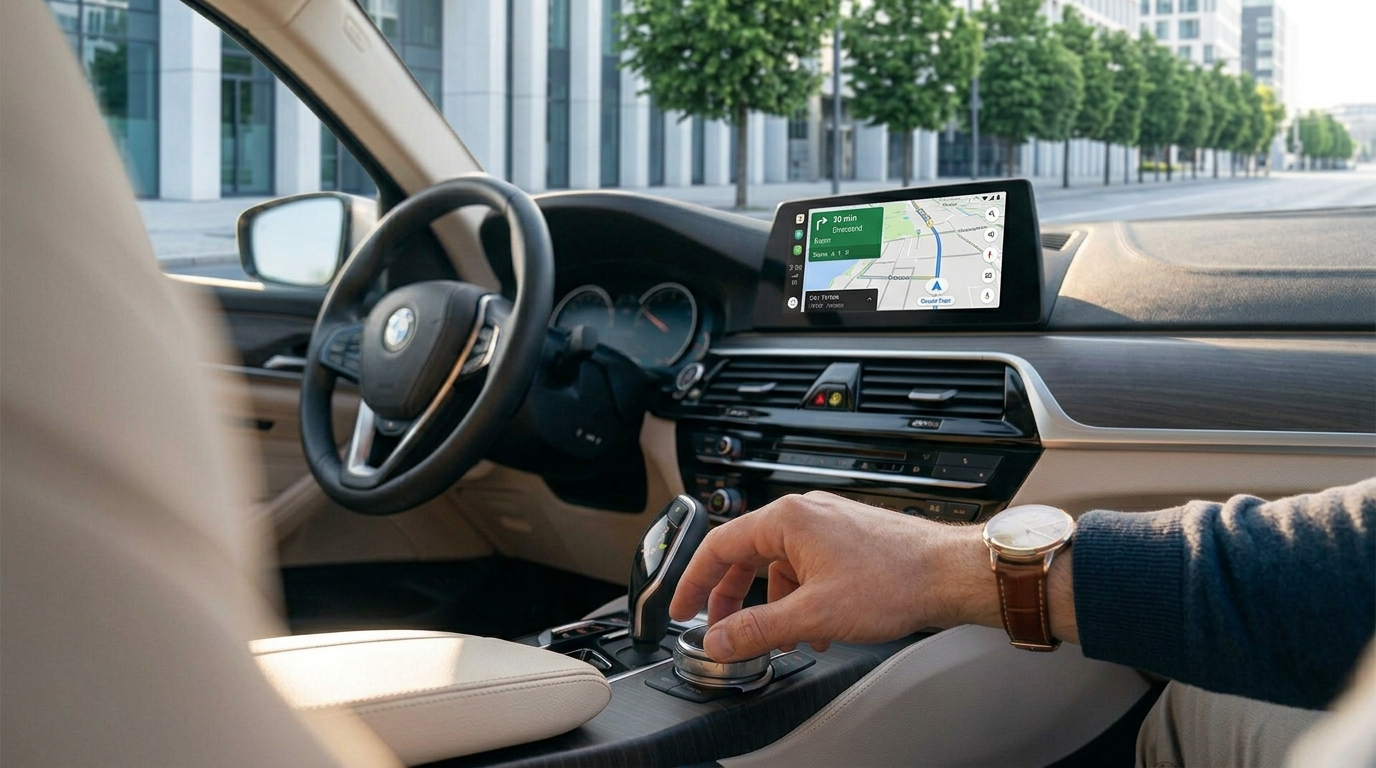
David came to us in early 2024 with a 2019 BMW 5 Series (G30) on iDrive 6. He wanted Google Maps and Waze on his factory screen for a long interstate trip, but was understandably worried about damaging his screen during any removal process — his car was still under the manufacturer's extended warranty.
We recommended the Carlinkit AI Box. David plugged it into the USB port inside the centre armrest in under two minutes. His Pixel 8 paired wirelessly on the first attempt. Within five minutes he had Google Maps, Spotify, and Google Assistant working through his factory screen, speakers, and steering wheel controls — with zero modifications to the car.
"I honestly expected it to be complicated. It wasn't. Everything just worked, and my warranty is completely intact."
Frequently Asked Questions
Ready to Add Android Auto to Your BMW?
Browse the Carlinkit Wireless AI Box range — plug-and-play compatibility, no warranty risk, Australian stock.
Shop Carlinkit AU →