

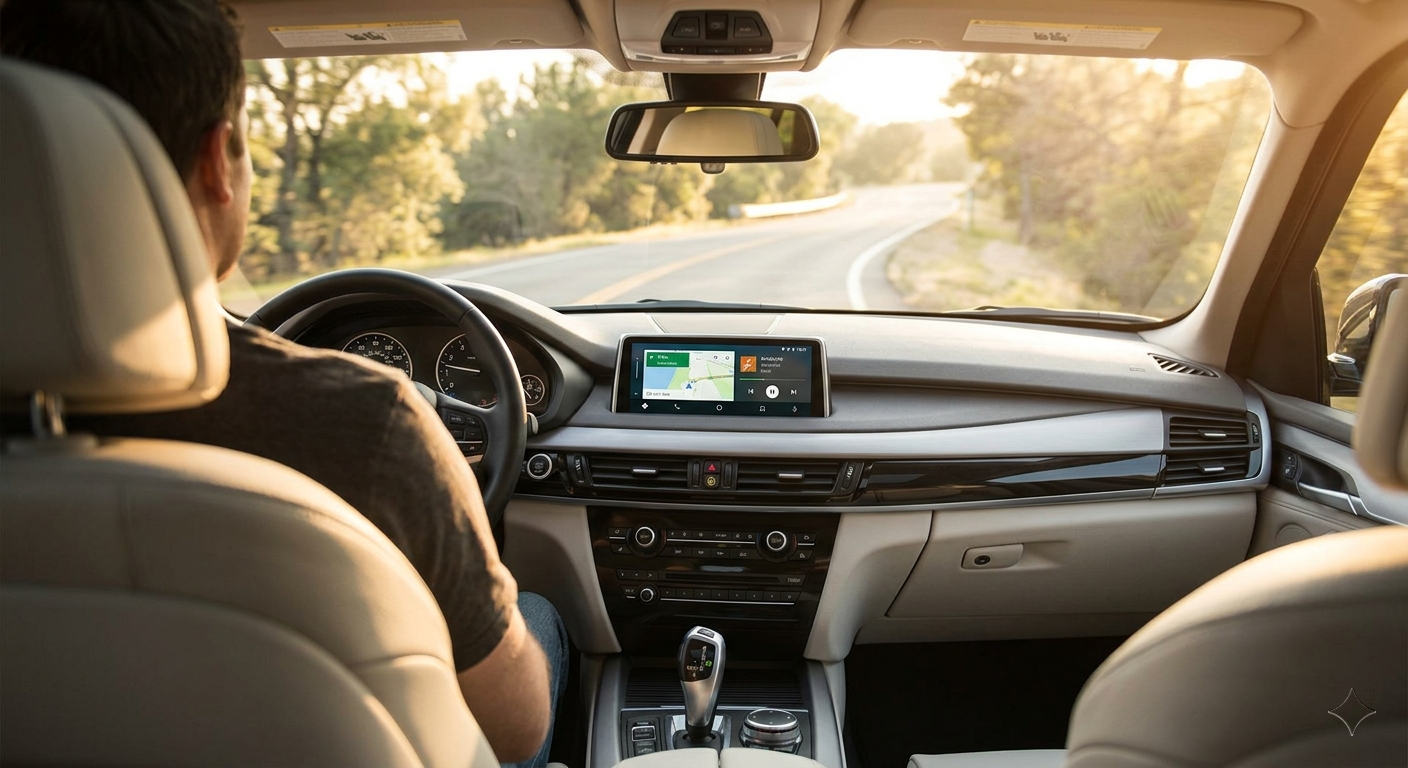
Add Android Auto to Your 2018 BMW X5 — Without Replacing the Screen
The 2018 BMW X5 (F15) comes with iDrive 6 — a polished, responsive system with a sharp 10.25-inch screen. The drawback: no native Android Auto. Here is how to add it without touching your factory hardware.
The Solution: A Plug-and-Play CarPlay Adapter
The cleanest way to get Android Auto on your 2018 X5 is a USB adapter such as the Carlinkit AI Box. Because the F15 generation supports Apple CarPlay via USB, the adapter leverages that existing connection as a bridge.
Here is how it works: the adapter plugs into your car's USB data port and authenticates with the head unit as a CarPlay device. It then runs Android Auto internally and mirrors that interface to your factory screen — no wiring, no screen replacement, no software flashing.
Why Choose an Adapter Over a New Screen?
Non-destructive
Nothing is cut, spliced, or reprogrammed. Unplug it at any time to restore factory state.
Camera preserved
Your factory backup camera, PDC sensors, and iDrive menus all continue to function normally.
Full app access
Google Maps, Waze, Spotify, WhatsApp — all available by voice or iDrive knob.
Fast auto-connect
Pairs via Bluetooth and Wi-Fi — the interface loads within seconds of starting the car.
The factory Bluetooth microphone is retained, so call audio quality is identical to the original hands-free setup. No additional microphones required.
Step-by-Step Installation
Setup takes under two minutes. No tools required.
Plug In
Insert the adapter into the main USB data port in your centre armrest storage compartment.
Pair Your Phone
Enable Bluetooth and Wi-Fi on your Android phone. Select the adapter's network when it appears in your phone's Wi-Fi list and complete the one-time pairing.
Go
The factory display launches into Android Auto. From the next start, the connection is fully automatic.
FAQ
No. The adapter requires no wiring, soldering, or software modification. It connects and disconnects like a USB drive. Your factory warranty is unaffected.
Yes. Android Auto is fully navigable with the iDrive rotary controller. Rotate slowly through menus — rapid spinning can cause the selection to overshoot. The system also supports Google Assistant for hands-free voice commands.
Yes. When you select reverse, iDrive takes control of the display as normal and the camera feed appears without interruption. Android Auto resumes when you return to drive.
The adapter is compatible with Android 6.0 and above. Make sure the Android Auto app is installed and up to date on your phone before pairing.
Ready to Upgrade Your X5?
Ships from our Australian warehouse. Free returns within 30 days.
Shop Carlinkit AU →