

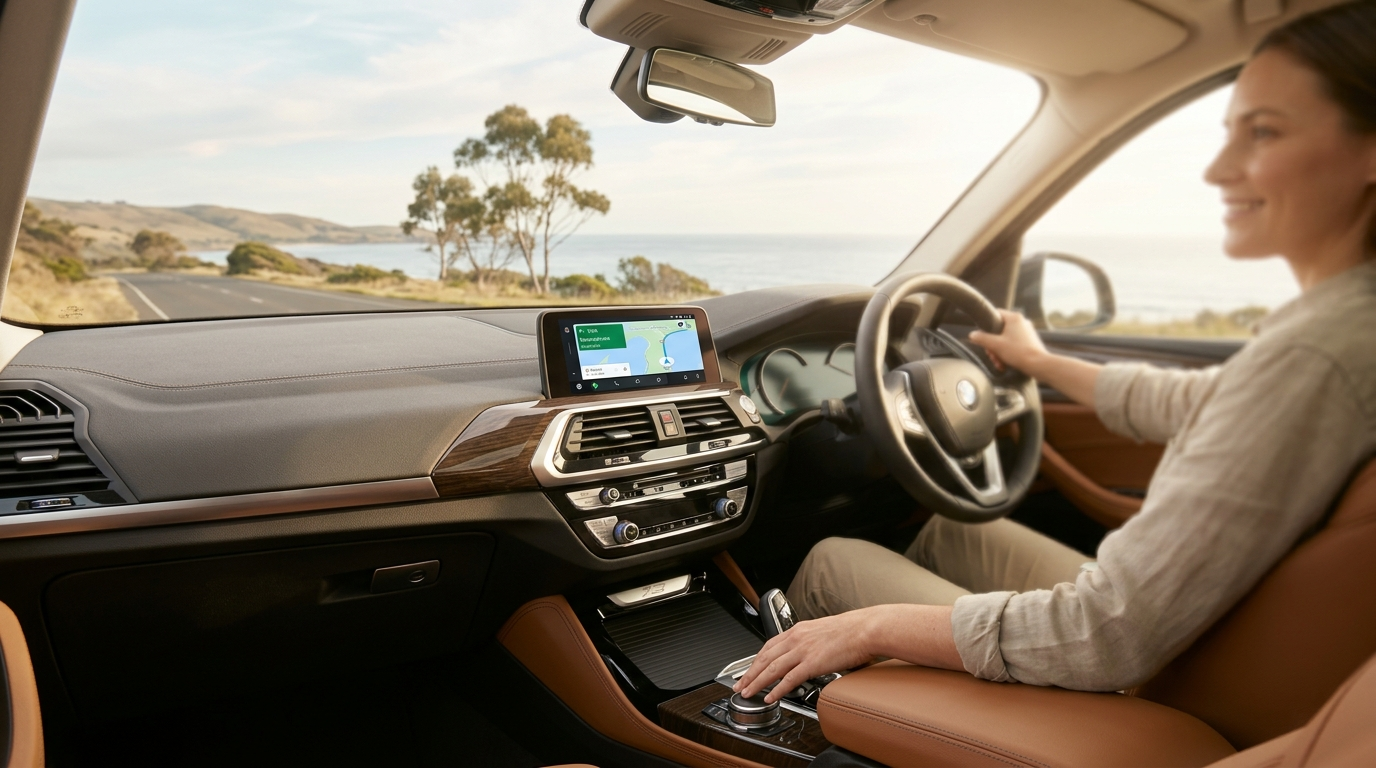
How to Add Wireless Android Auto to Your 2019 BMW X3
The 2019 BMW X3 (G01) ships with wireless Apple CarPlay built in, but Android users are left out entirely. Here is the cleanest, most affordable fix: a plug-in Carlinkit adapter that adds full Android Auto in under three minutes — no dashboard removal, no coding, and no voided warranty.
Why This Works on the 2019 X3
The 2019 X3 uses BMW's iDrive 7 system, which supports wireless CarPlay natively. The Carlinkit adapter exploits this: it plugs into your USB port and identifies itself to iDrive 7 as a wireless CarPlay session. Once that handshake happens, the adapter runs its own Android environment internally and mirrors Android Auto onto your factory screen — no hardware modification required.
What You Need
Carlinkit Wireless AI Box
Compatible with iDrive 7 wireless CarPlay. The CPC200-TBOX model is recommended for the G01 X3.
Android Phone
Android 10 or later. Bluetooth and Wi-Fi must both be enabled at the same time.
2019 BMW X3 (G01)
Works on all trims: sDrive30i, xDrive30i, xDrive30d, and M40i.
Step-by-Step Setup
This entire process takes around three minutes. You do not need to open anything or touch any wiring.
Plug the Adapter into the USB-A Port
Connect the Carlinkit device to the data-enabled USB-A port in the storage cubby directly in front of the cup holders on the center console. Do not use the secondary USB ports located inside the rear armrest storage compartment — on many 2019 X3 builds those ports are charge-only and will not pass the data signal needed to boot the adapter.
Pair via Bluetooth and Wi-Fi
On your Android phone, enable both Bluetooth and Wi-Fi simultaneously. The iDrive screen will display a Bluetooth ID — find it in your phone's Bluetooth scan list, select it, and confirm the pairing. The adapter then negotiates a 5.8 GHz Wi-Fi connection automatically for the high-bandwidth video stream.
Android Auto Launches on iDrive
iDrive 7 accepts the device as a standard wireless CarPlay session. Within a few seconds the Android Auto home screen appears on your factory display, full-width with no black bars. From this point on, connection is automatic every time you start the car.
Features and Compatibility
The adapter integrates cleanly with the X3's existing hardware:
iDrive Knob Control
The center console rotary knob scrolls through Android Auto menus just as it does in CarPlay.
Steering Wheel Buttons
Volume up/down rollers and the voice command button on the steering wheel all remain fully functional.
Factory Microphone
Google Assistant voice commands use the car's built-in microphone, not your phone's speaker.
Parked Streaming
When stationary, the adapter's internal Android OS can run Netflix, YouTube, and other apps directly on screen.
Real-World Experience
One of our Melbourne customers, David L., drove a 2019 X3 xDrive30i for two years using his phone on a dashboard mount before trying this adapter. Here is what he told us after his first week:
"I mainly use Waze and Spotify, and both work flawlessly — Waze even prompts through the car speakers when a speed camera is coming. The iDrive knob scrolls through my playlist just like I expected it to. Honestly the biggest thing for me was Google Maps traffic on the factory screen — I had forgotten how good a proper widescreen looks compared to a phone holder stuck to the windshield."