

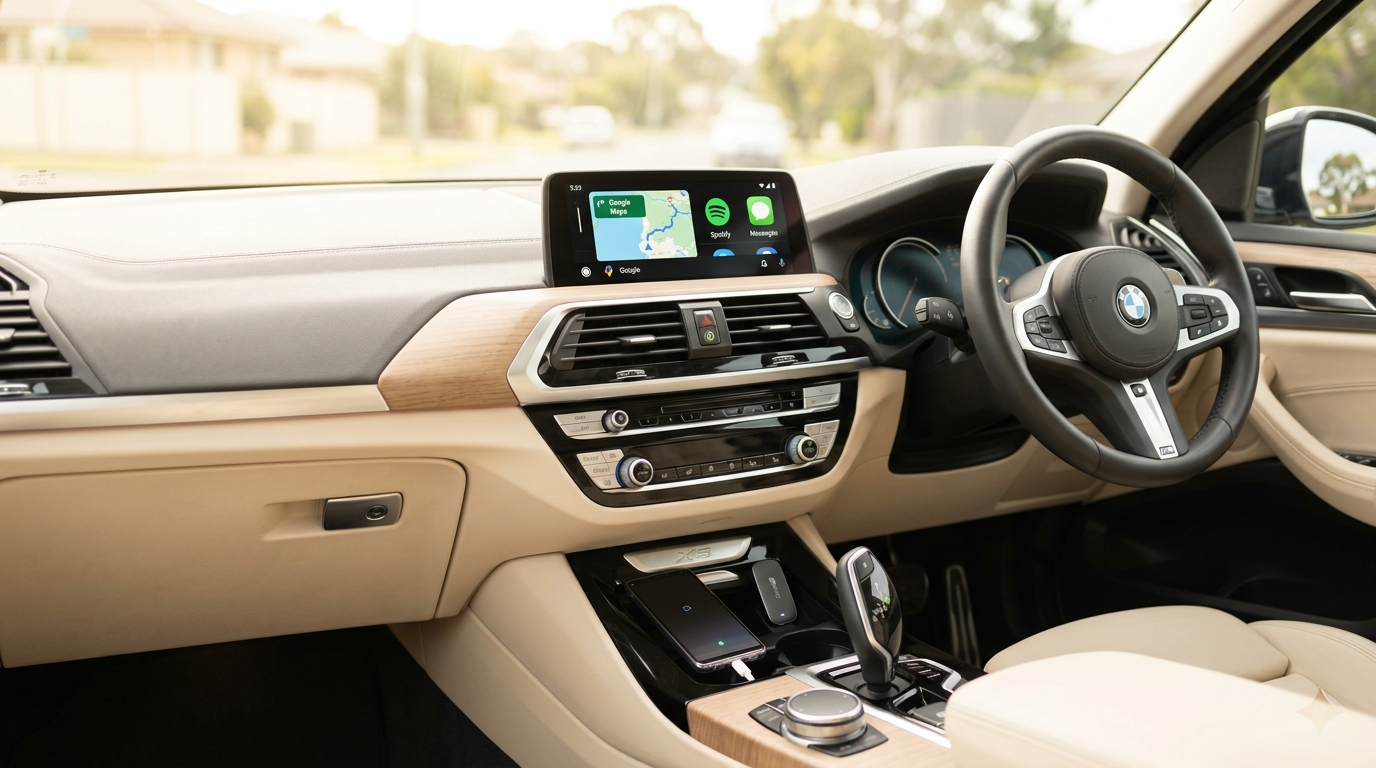
Get Wireless Android Auto on Your 2018 BMW X3
No rewiring. No coding. No aftermarket screen. Just a USB adapter and two minutes of your time.
Why Doesn't the 2018 BMW X3 Have Android Auto?
The 2018 X3 (G01) runs BMW's iDrive 6 system, which shipped with Apple CarPlay support — but no Android Auto. BMW was an early CarPlay partner, and at the time, Google's automotive protocol simply wasn't part of the integration plan.
Aftermarket screen replacements can ruin the dash aesthetics and audio quality. Attempting to code Android Auto into iDrive 6 risks system instability or bricking your head unit entirely. Neither approach is worth the risk.
Carlinkit Wireless Adapter: Safe, Reversible, Plug-and-Play
Carlinkit's adapter plugs into your X3's USB port and bridges your car's existing CarPlay connection, translating it into a full Android Auto interface on your factory iDrive screen. No permanent modifications, no coding, no dashboard disassembly.
Your iDrive rotary controller, steering wheel buttons, and Google Assistant voice commands all continue to work natively. For users who want more, the Carlinkit TBox adds a standalone Android layer with access to streaming apps like YouTube and Spotify — independent of your phone.
Setup in Under 2 Minutes
What X3 Owners Are Saying
"I'd been using a phone mount for two years because I refused to pay $2,400 for an aftermarket screen. This adapter took three minutes to set up. Google Maps on the factory display, steering wheel controls working perfectly. Genuinely couldn't be happier."
"Bought the TBox version. The Android Auto side works flawlessly, and I can put on YouTube in the driveway for the kids. It connects automatically the moment I start the car — no fiddling. Wish I'd found this earlier."
Common Questions
Ready to Add Android Auto to Your X3?
Free shipping across Australia. Compatible with all 2018 BMW X3 G01 variants.
Shop Carlinkit Adapters