

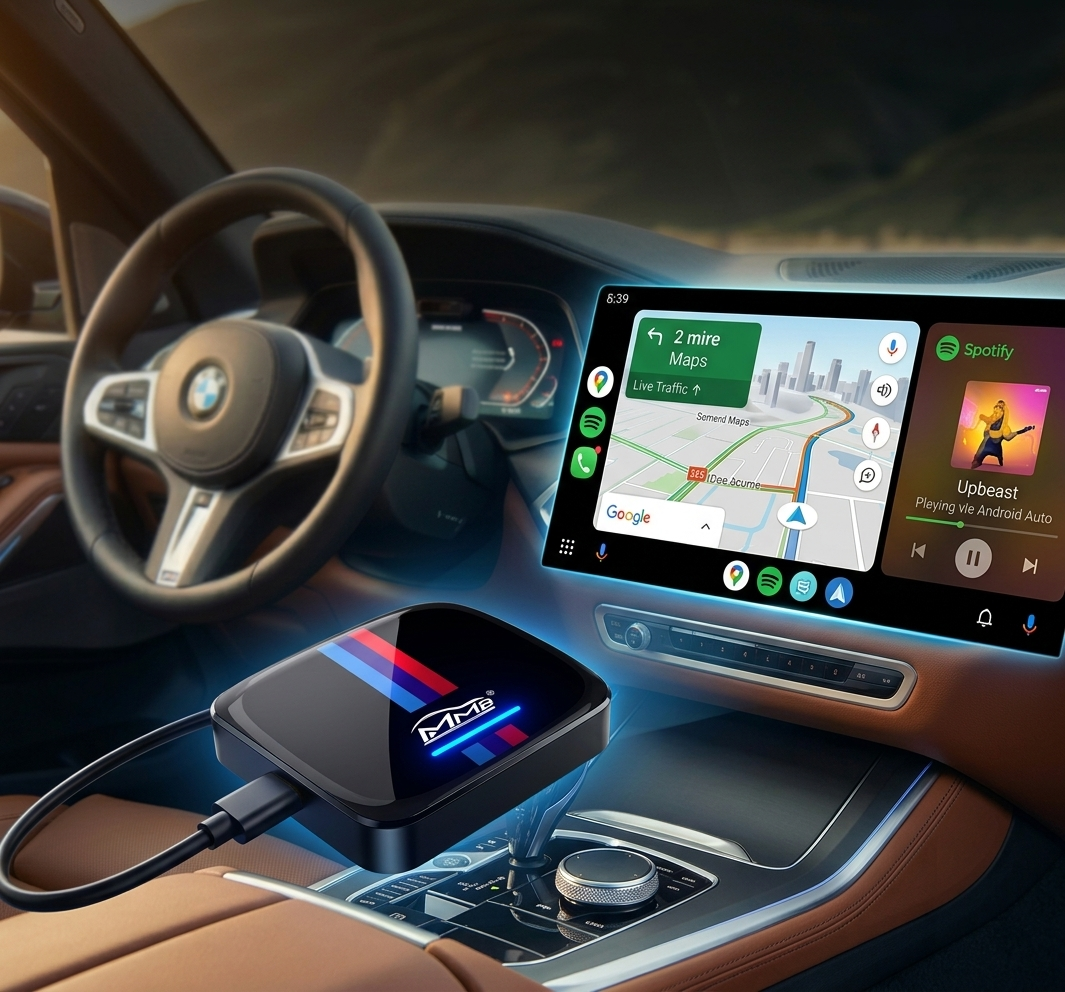
BMW TBOX Review: Add Android Auto to Your BMW Easily
Honest test of the 8GB+128GB Android 13 powerhouse for 2018-2025 models.
If you own a 2018-2025 BMW with factory CarPlay but no native Android Auto, you already know the frustration. Your Android phone feels second-class — maps are clunky, music switching is awkward, and you’re stuck with cables or limited wireless options.
In this review, we’ll test real-world performance, walk through the 5-minute install, and share pros, cons, and who should buy it in 2026.
Why BMW Owners Need Android Auto in 2026
BMW’s factory system still favors iPhone users. Most 2018-2025 models ship with CarPlay only, leaving Android drivers with workarounds that feel half-baked.
- Wired adapters add clutter.
- Basic wireless dongles often lag or drop connection.
- You still can’t run Netflix, YouTube, or full Google Play apps natively.
What Exactly Is the BMW TBOX?
The BMW TBOX is a dedicated AI Box designed exclusively for BMWs with factory CarPlay. It runs full Android 13, gives you 8GB RAM + 128GB storage, and supports both Android Auto and CarPlay at the same time.
Unlike full head-unit retrofits, it requires zero disassembly and no coding. Just plug it into your original CarPlay USB port and you’re done.
Unboxing & First Impressions
The packaging is clean and professional. The unit is compact, lightweight, and built with heat-dissipating materials. It tucks neatly into your console, matching your BMW’s premium interior look.
What’s in the Box?
- Sleek black BMW TBOX unit
- High-quality connecting cables
- Quick-start instruction manual
Key Features & Hardware
8GB RAM + Android 13
With 8GB of RAM, the system boots quickly and handles multiple apps without lag. Multitasking feels smooth even when running navigation and music together.
Entertainment & Connectivity
- 4G LTE Support: Insert a 4G SIM or connect via Hotspot.
- Full Play Store: Download any app you need.
- Streaming: Watch Netflix, YouTube, Hulu directly on the screen.
Step-by-Step Installation
Compatible with 2018-2025 BMW models equipped with factory CarPlay (supports iDrive ID6, ID7, ID8, and OS9).
- Locate your original CarPlay USB port.
- Plug in the BMW TBOX.
- The system auto-detects and boots in seconds.
No tools, no coding, no voided warranty.
Real-World Performance
Connection is instant and rock-solid. Google Maps / Waze run buttery smooth with real-time traffic. Spotify / YouTube Music sound crisp through your BMW audio, and Google Assistant responds naturally via steering wheel buttons.
True plug-and-play, zero lag, Netflix/YouTube support, lifetime replacement warranty.
Requires factory CarPlay, needs stable 4G/WiFi for streaming apps.
Frequently Asked Questions
Final Verdict
If you want a simple, reliable way to add wireless Android Auto to your BMW without losing factory features, the BMW TBOX is an outstanding choice.
Buy the BMW TBOX Now