

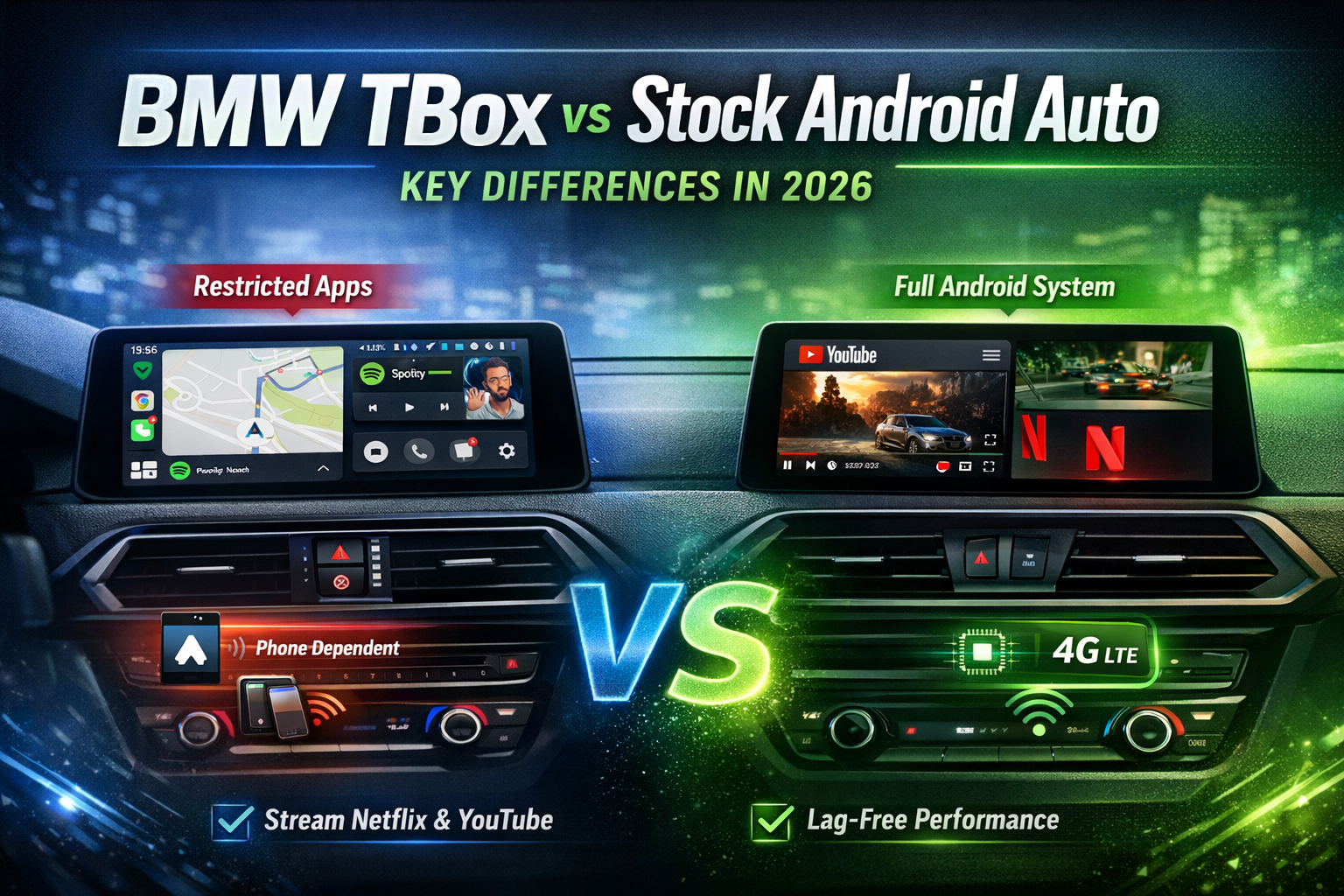
BMW MMB Box vs Stock Android Auto:
Key Differences in 2026
If you're a BMW owner frustrated by Android Auto's limitations, here's everything you need to know before upgrading.
Why BMW Owners Are Looking Beyond Android Auto in 2026
Have you ever had your navigation cut out mid-motorway because your phone overheated? Or watched Android Auto freeze right when you needed to reroute? You're not alone — and it's not a one-off glitch.
BMW's wireless Android Auto has genuinely improved with iDrive 7, 8, and 9. Latency is lower, the pairing is faster, and it rarely requires a cable anymore. But the fundamental frustrations? Still there. Every single day.
- ❌ No video apps — YouTube, Netflix, and Hulu remain blocked by Google's safety sandbox — no exceptions
- ❌ Everything depends on your phone — its battery, its signal, its temperature all become your car's problem
- ❌ Screen real estate wasted — iDrive 8's gorgeous widescreen runs one task at a time
That's the gap the BMW MMB Box fills. Not as a workaround — as a complete, independent Android system living inside your iDrive. This guide covers everything: how it actually works, real-world performance, what BMW models it fits, and whether the upgrade makes sense for you in 2026.
The Fundamental Difference: What Each System Actually Is
Stock Android Auto — A Safety-First Mirror Screen
Here's something most people don't realise: Android Auto is not running on your car at all. It's a projection — your phone does all the work, and the BMW screen just shows the picture. Pull out your phone, and the whole thing disappears.
- 📱 All processing happens on your handset — BMW's hardware is just a display
- 🗺️ App access is curated: Google Maps, Spotify, calls, messages — that's largely it
- 🔒 Video and most third-party apps are permanently blocked by Google's safety sandbox
- 🌡️ Extended drives drain your phone battery and trigger thermal throttling
BMW MMB Box — A Full Android Tablet on Your Dashboard
MMB Box is a different concept entirely. It's a self-contained Android computer — roughly the size of a large USB stick — that sits behind the glovebox or console and connects to your iDrive via USB. It runs its own Android OS (Android 10, 13, or 14 depending on model), independently of your phone.
- 💻 Qualcomm chipset (6350 or 6490), 8GB RAM, 128GB onboard storage
- 📲 Full Google Play Store — download any app, including streaming video
- 📡 Built-in 4G/5G SIM slot plus Wi-Fi — works with or without your phone nearby
- 🔄 One tap to switch back to CarPlay or stock iDrive at any time
Stock Android Auto is a smart mirror. BMW MMB Box is a second brain — one that happens to live inside your dashboard.
2026 Core Differences: Side-by-Side Breakdown
1. App Ecosystem — Open vs. Walled Garden
This is the biggest difference — and the one that makes or breaks the decision for most buyers. Google has no plans to open Android Auto to video streaming. It's a deliberate safety policy, not a technical limitation.
🔒 Stock Android Auto
- ❌ No YouTube or Netflix — ever
- ❌ No browser access
- ❌ Third-party navigation apps restricted
- ✅ Google Maps, Spotify, phone calls work well
🔓 BMW MMB Box
- ✅ Full Google Play — install anything
- ✅ Netflix, YouTube, Disney+ on the car screen
- ✅ Chrome, any browser, sideloaded APKs
- ✅ Dashcam apps, games, live TV
2. Performance & Stability — Dependent vs. Independent
A customer we worked with — let's call him Marcus, a sales manager who drives a 2023 BMW 5 Series (iDrive 8) — described his Android Auto experience on long client trips as "a coin flip." Some days perfect, some days three disconnects before the motorway exit.
After fitting MMB Box, his exact words were: "I forgot it was even there — it just works." That's the real-world difference. MMB Box runs its own processor and its own connection. Your phone's signal, temperature, or background apps no longer matter.
Pro tip: On iDrive 8 units, if MMB Box shows a black screen on first boot, go to Settings → CarPlay & Android Auto → toggle the connection off and back on. This resets the handshake and clears the issue in under 30 seconds.
The gap shows up most on the drives that matter most — 3-hour motorway runs, navigation plus music plus a passenger streaming. MMB Box takes all of it in stride. Android Auto starts dropping things.
3. Navigation & Multitasking — Single Task vs. True Split Screen
BMW's iDrive 8 and 9 widescreen displays are genuinely beautiful. It's a shame Android Auto uses maybe 40% of that real estate effectively. MMB Box unlocks the full canvas. Split-screen works exactly as you'd expect:
- 🗺️ Google Maps on the left, Spotify or YouTube on the right
- 📹 Front dashcam feed running live alongside your route
- 🎬 Passenger streams Netflix while the driver navigates — no conflict, no lag
One practical note: split-screen layout is set in MMB Box's own launcher settings, not through iDrive's native menus. It takes about two minutes to configure the first time.
4. Connectivity & Audio Integration
MMB Box pairs with your BMW's speaker system via Bluetooth 5.0. On most iDrive 7 and 8 models, audio routes directly through the car's amplifier chain — so sound quality matches what you'd expect from your car's stereo, not a wireless stream.
Stock Android Auto routes through an additional Bluetooth layer, which introduces slight audio compression. Most people don't notice it at low volumes — but on a high-spec Harman Kardon or Bowers & Wilkins system, it's audible.
Is Your BMW Compatible? (Check Before You Buy)
Before anything else — check this. MMB Box requires factory-fitted CarPlay to be present on your BMW. It works alongside CarPlay, not instead of it. No CarPlay, no MMB Box.
Quickest check: Open iDrive settings and look for a CarPlay icon or menu. If it's there, your car is ready. If you're unsure which USB port to use, MMB Box always connects to the media/data USB port — not the charging-only port. On the G30 5 Series (2017–2023), that's the upper port in the centre console tray.
Installation: Is It Really Plug & Play?
Short answer: yes. We've seen first-time installations completed in under eight minutes — including unpacking the box. There is no dashboard disassembly, no wiring loom, no specialist required.
- 🔌 Connect MMB Box to the media USB port in the console or glovebox area
- 📱 Download the companion app on your phone (Android or iOS) for initial Wi-Fi pairing
- ⚙️ iDrive will prompt you to select the input source — choose MMB Box and the system boots
- 🔄 Switch between MMB Box and CarPlay / iDrive at any time from the source menu
One common mistake to avoid: Don't use the USB port labeled "charge only" — MMB Box needs a data connection to communicate with iDrive. If the screen stays black after plugging in, this is almost always the reason.
Compare this to a full aftermarket head-unit swap: typically £600–£2,000 in parts and labour, 4–6 hours in the workshop, and a conversation with your BMW dealer about warranty implications. MMB Box sidesteps all of that entirely.
Real-World Experience in 2026: How MMB Box Actually Performs
We gathered feedback from customers across several months of real use. Here's what actually came up — not the polished version, the honest one.
- 🛣️ 3-hour motorway run, navigation + music — Google Maps ran the entire time. No drops, no handset overheating. One customer (BMW X5, iDrive 8) reported his phone battery was still at 91% on arrival because he hadn't needed to use it at all.
- 🅿️ Multi-storey car park with dead mobile signal — MMB Box's 4G SIM kept maps routing correctly. Phone-based Android Auto lost connection entirely at level B2.
- 🌡️ August, stationary in traffic for 45 minutes — MMB Box ran warm to the touch but stayed stable. The same customer's previous Android Auto setup dropped connection twice in the same jam as his Samsung S24 throttled.
- 👥 Family trip, 4 hours — rear passenger used a tablet on Wi-Fi from MMB Box's hotspot; front passenger streamed Netflix on the car screen; driver navigated with Google Maps. All three ran simultaneously without any reported lag.
At a Glance: Full Comparison Table
| Feature | Stock Android Auto | BMW MMB Box |
|---|---|---|
| App Ecosystem | Restricted (approved list only) | Full Google Play |
| Video Apps (Netflix / YouTube) | ❌ Blocked | ✅ Supported |
| Phone Dependency | Yes — performance tied to handset | None — fully independent |
| Connection Stability | Variable (wireless drops common) | Consistent |
| Split Screen Multitasking | Limited / single task | Full split screen |
| Built-in Mobile Data | ❌ | ✅ 4G/5G SIM slot |
| Installation | Built-in (no setup) | Plug & play, ~10 min |
| Warranty Impact | None | None |
| Cost | Free (included) | From $229.99 — one-time purchase |
Frequently Asked Questions
Conclusion: Is 2026 the Right Time to Upgrade?
Stock Android Auto does what it promises — and for a lot of drivers, that's enough. Maps, music, hands-free calls. Clean, safe, reliable.
But if you've ever sat in a traffic jam wishing you could put on a film, or watched your phone battery drop 20% in an hour just because you were using navigation — MMB Box answers both of those problems at once. Your screen does more. Your phone does less.
Three reasons 2026 is a good moment to make the switch:
- 🎬 Full entertainment access — streaming video, any app, on the screen that's already in your car
- ⚡ Phone-free performance — consistent, independent, no more "my phone was hot" excuses
- 🔌 No-risk installation — plug in, 10 minutes, done — no warranty impact, no specialist needed
Ready to Upgrade Your BMW Experience?
Browse our BMW-specific MMB Box models — compatible with iDrive 6 through 9, ships with everything you need.
View BMW MMB Box →