

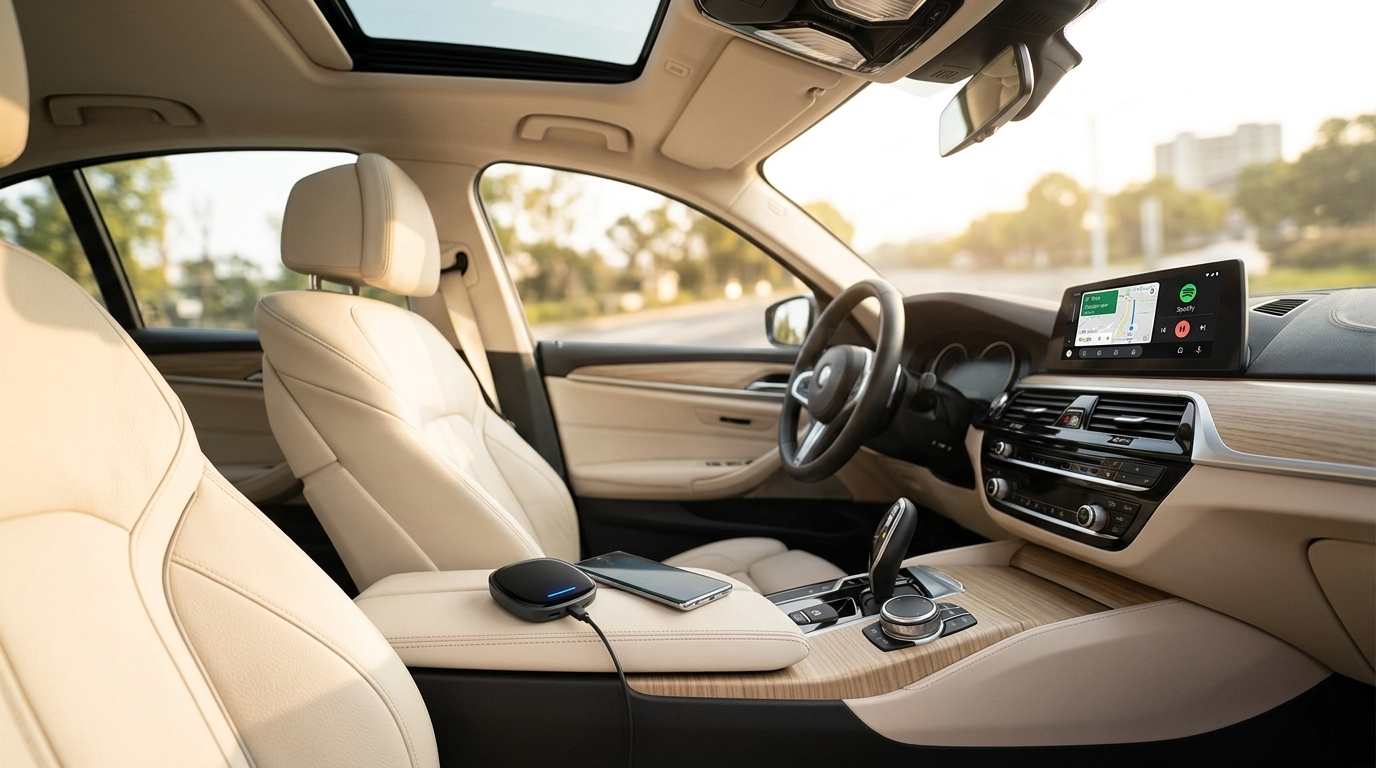
Add Android Auto to Your 2018 BMW — No Modifications Needed
The Carlinkit wireless adapter works with your factory iDrive screen. Plug in, pair, and drive.
Shop the Adapter ↗Which 2018 BMW Models Are Compatible?
Before purchasing, confirm your BMW came with factory Apple CarPlay support (available as an optional package on 2018 models). The Carlinkit adapter works by routing Android Auto through the existing CarPlay infrastructure built into your iDrive system.
The following 2018 models are widely supported:
| Model | iDrive Version | CarPlay Required | Status |
|---|---|---|---|
| 5 Series (G30) | iDrive 6 (EVO) | Optional package | ✓ Compatible |
| X3 (G01) | iDrive 6 (EVO) | Optional package | ✓ Compatible |
| X5 (F15) | iDrive 5 / 6 | Optional package | ✓ Compatible |
| 3 Series (F30) | iDrive 5 / 6 | Optional package | ⚠ Verify CarPlay first |
| 7 Series (G11) | iDrive 6 (EVO) | Optional package | ✓ Compatible |
Why the Carlinkit Adapter Is the Smart Choice
BMW did not offer Android Auto on 2018 models — only Apple CarPlay, and only as a paid subscription at the time. The Carlinkit Wireless Adapter bridges that gap by converting Android Auto into a signal your car's existing CarPlay system can read, displaying everything natively on your factory screen.
No Disassembly
Plugs into the existing USB-A port in your centre console. No tools, no wiring, no dash removal.
Warranty Safe
A fully external device with zero modifications to your car's electronics or software.
iDrive Preserved
Switch between Android Auto and your original iDrive at any moment — cameras, knob and all.
Wireless Connection
After the first setup, your phone connects automatically every time you start the car.
3-Step Installation Guide
First-time setup typically takes around 3–5 minutes. After that, it connects automatically every time you get in the car.
Plug In the Adapter
Insert the Carlinkit adapter into your BMW's USB-A data port (the port in the centre console armrest that supports CarPlay, not the charging-only port). Power on the car and wait for the adapter's indicator light.
Pair Your Android Phone
Enable Bluetooth and Wi-Fi on your phone. On your iDrive screen, select the Carlinkit device from the Bluetooth list. Follow the on-screen prompt to complete the initial pairing — this only needs to be done once.
Launch Android Auto
Android Auto will launch on your factory display. Enjoy Google Maps, Spotify, Waze, Google Assistant, and more — fully wireless from your next drive onward.