

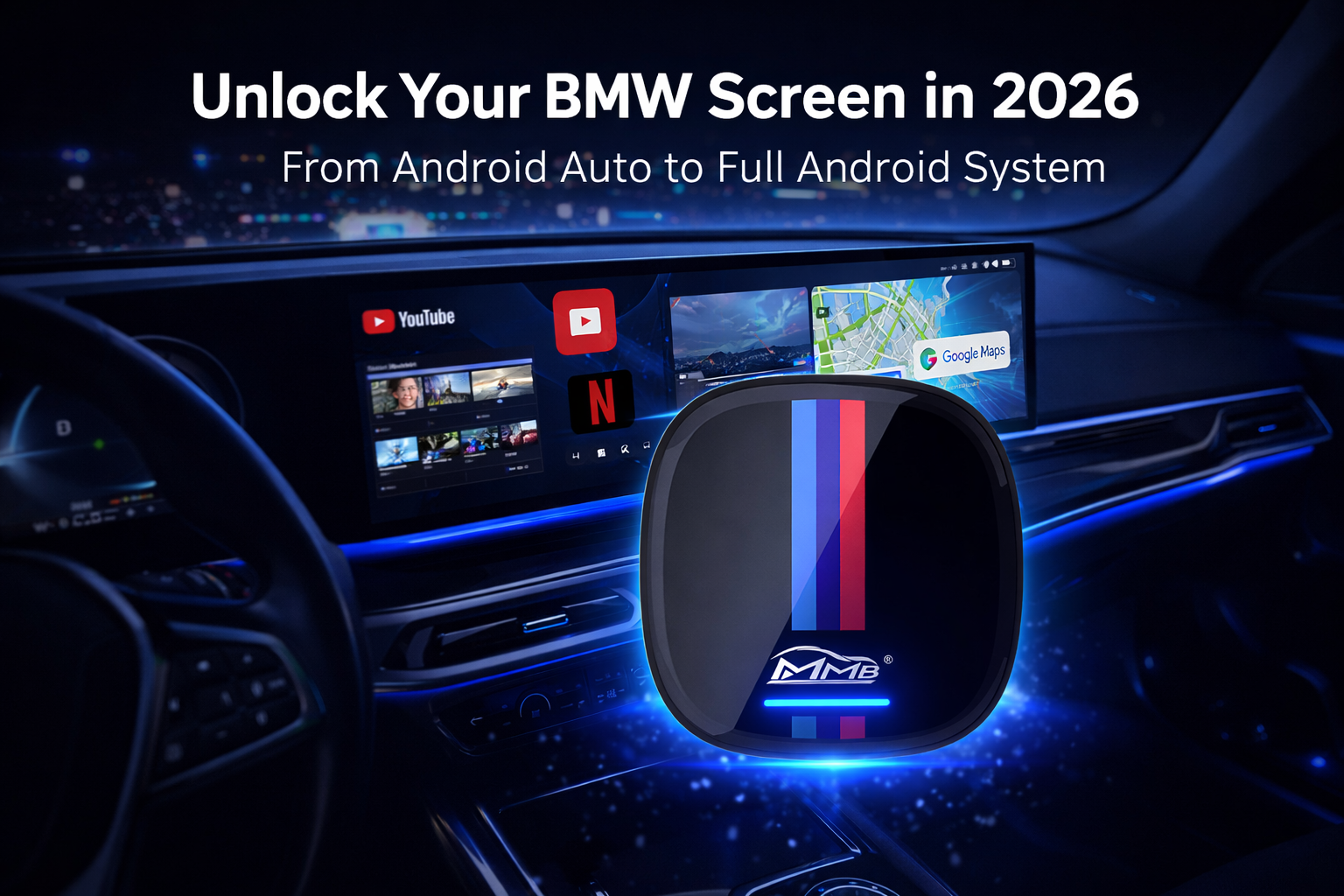
If you drive a modern BMW, you likely enjoy the sleek interface of iDrive 7, 8, or the latest iDrive 9. You have wireless BMW Android Auto pre-installed, and it works perfectly for Google Maps or Spotify. But have you ever sat in your car during an EV charging session or while waiting for a meeting and thought: “Why can’t I watch YouTube on this beautiful 14.9-inch curved display?”
The truth is, your factory BMW Android Auto is a “walled garden.” It is designed for basic tasks but lacks the raw power of a full Android ecosystem. In 2026, simply having a connection isn’t enough—you need total digital freedom.
The “Silent Limitation” of Factory BMW Android Auto
Navigation and Music are Just the Beginning
Standard Android Auto is a “projected” system. Your phone simply casts a simplified interface onto the car’s screen. While this is safe for driving, it is incredibly restrictive for entertainment. You are stuck with a handful of approved apps, and video streaming is strictly forbidden by Google’s safety protocols.
Why the iDrive 7/8/9 Screen Deserves More
BMW has invested millions into creating some of the best automotive displays in the world. The resolution is crisp, the colors are vibrant, and the touch response is lightning-fast.
Expert Insight: Using a factory BMW system solely for navigation is like buying a 4K OLED TV and only using it to check the weather. You have the hardware; you just lack the right software “key” to unlock it.
The Missing Piece: Transforming Your iDrive into a Full Android PC
To bridge the gap between “standard connectivity” and “ultimate entertainment,” BMW owners are turning to specialized Android AI Boxes. This isn’t a simple adapter; it is a standalone Android computer that plugs into your USB port.
The Ultimate Android Box Upgrade for BMW
Unlike basic dongles, this BMW Android AI Box acts as a secondary brain for your car. It leverages the existing wireless CarPlay protocol to “handshake” with your iDrive system, but instead of mirroring your phone, it launches a high-performance Android environment.
Beyond Wireless Connection: Access YouTube, Netflix, and Disney+
Imagine parked at a Supercharger or waiting in the school pickup line. With this upgrade, your BMW dashboard transforms:
-
Video Streaming: Native apps for YouTube, Netflix, and Disney+.
-
Social Media: Check TikTok or Instagram during breaks.
-
Gaming: Download casual games from the Google Play Store.
-
Web Browsing: Use Google Chrome just like you would on a tablet.
Expert Review: Why an AI Box Beats the Factory Setup
As an industry specialist, I’ve tested dozens of “hacks” for BMW screens. Most involve “coding” the car (which can void warranties). This Plug-and-Play solution stands out for three specific reasons:
1. No Coding, No Warranty Risks
BMW owners are notoriously protective of their vehicles. The beauty of this AI Box is that it is 100% non-invasive.
-
No wires to cut.
-
No software to “flash.”
-
No permanent changes.
If you need to visit the dealership for service, simply unplug the device. Your BMW returns to its stock state instantly.
2. Seamless iDrive Integration: Knobs and Touch
One of the biggest concerns with third-party accessories is losing the “BMW feel.”
-
iDrive Rotary Knob: The system is optimized to work with your central controller.
-
Steering Wheel Buttons: Control volume and tracks without taking your hands off the wheel.
-
High-Res Scaling: The software automatically adjusts to BMW’s unique ultra-wide aspect ratios (including the Curved Display).
FAQ: Everything BMW Owners Need to Know
Q: Does my BMW need a specific feature for this box to work?
A: Yes, this is the most important requirement. Your BMW must have factory-installed Wireless Apple CarPlay. Even if you are an Android user, this AI Box uses the car’s CarPlay channel to display the Android system. Without original CarPlay, the box will not be compatible.
Q: Does this work with the newest BMW Curved Displays?
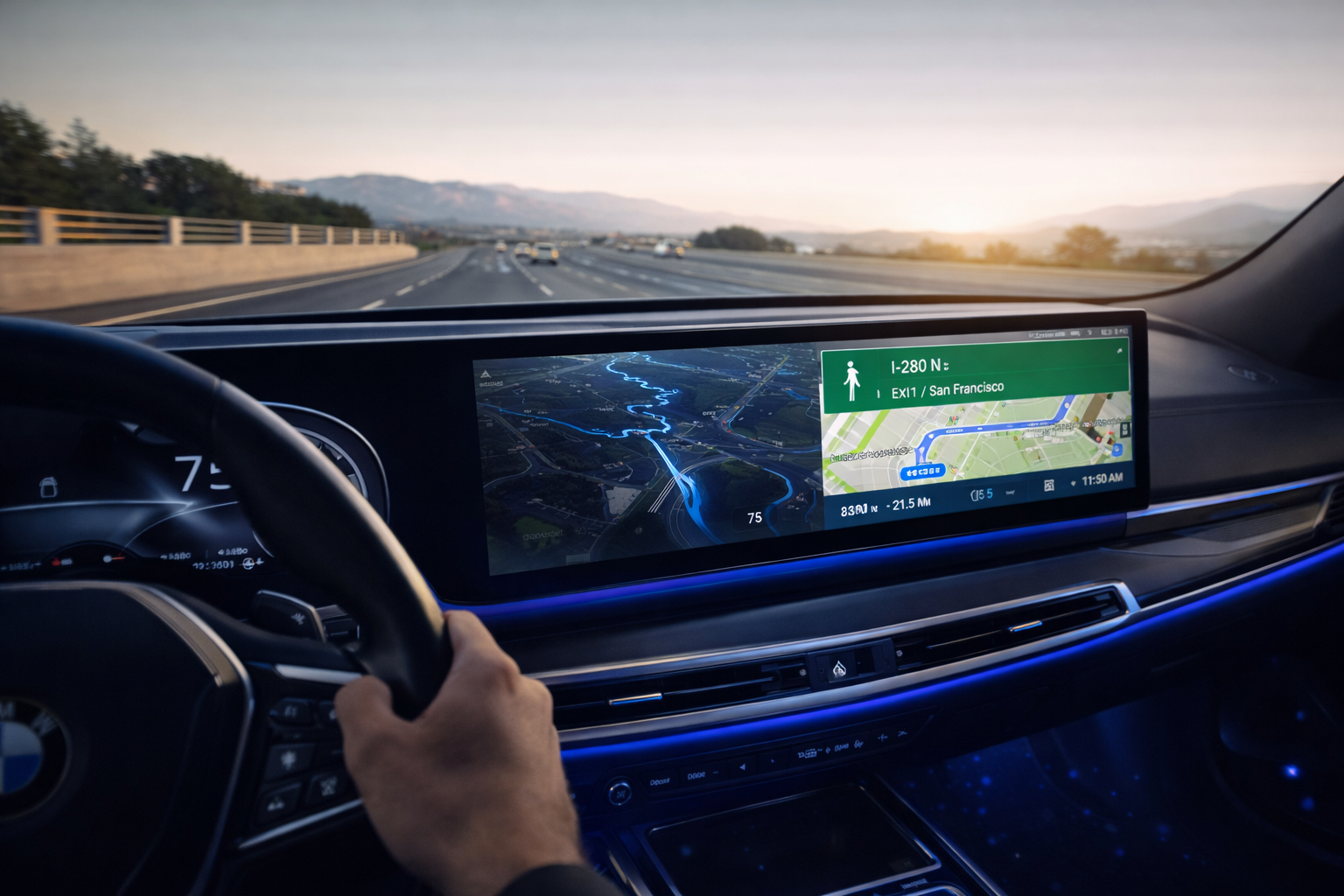
A: Yes. The interface is designed to adapt to the ultra-wide resolutions found in iDrive 8, 8.5, and 9.
Q: Can I still use the original BMW iDrive features?
A: Absolutely. It runs as an “overlay” system. You can switch back to the original BMW radio or settings menu with a single click.
Q: Do I need a separate data plan?
A: You have two choices: insert a Nano SIM card directly into the box, or simply link the box to your phone’s Personal Hotspot.
Final Thoughts: The Ultimate BMW Tech Upgrade
In 2026, staying limited by the factory BMW Android Auto restrictions means you aren’t getting the full value of your luxury vehicle. By adding a High-Performance Android AI Box, you retain the wireless convenience you love while gaining the power of a cinema and a gaming console—all in one small USB device.
Ready to unlock your screen? Explore the full range of BMW Android AI Boxes and take your driving experience beyond the standard.