

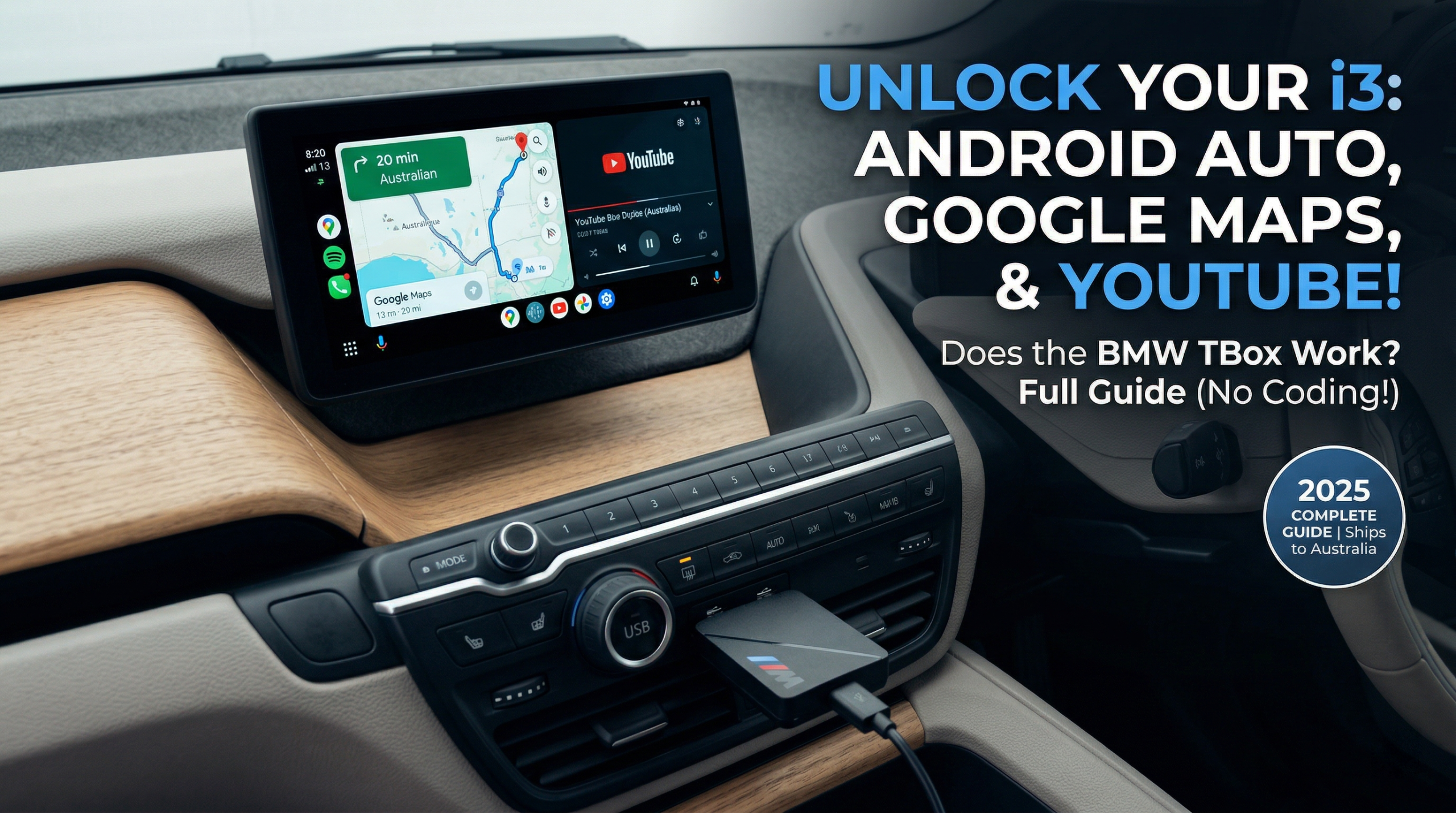

Android Auto for BMW i3:
Does the BMW TBox Work?
You drive a BMW i3. You use an Android phone. And every time you get in, you feel it — that quiet frustration of a stunning iDrive screen that refuses to run Google Maps natively.
YouTube during a charging stop? Not happening. Waze? Blocked. You're left with a Bluetooth connection that belongs in a 2012 hatchback — all while BMW ConnectedDrive quietly reminds you how much potential is locked behind Apple-only gates.
The BMW TBox (MMB Multimedia Android iOS Box) was built specifically for this. But does it actually work on the i3? Let's break it down — properly.
The Problem: Why BMW i3 Owners Are Stuck
The BMW i3 ships from the factory with Apple CarPlay only. Android users face genuinely poor options:
- Bluetooth audio — functional but frustratingly basic
- Wired workarounds — cable clutter, unreliable connections
- Generic wireless dongles — completely blocked by BMW's closed system
This is why i3 owners need a BMW-specific solution. To understand why factory Android Auto still isn't enough even on newer models, explore our BMW blog for the full breakdown.
What Is the BMW TBox (MMB Box)?
The MMB Multimedia Android iOS Box is a dedicated AI Box engineered exclusively for BMW models with factory CarPlay. It's not a dongle. It's not a screen mirror.
Think of it as a standalone Android 13 computer that slots into your BMW's USB port and runs completely independently — no phone dependency for navigation or media. It integrates directly with the i3's iDrive NBT EVO system without touching the Harman Kardon audio system or any OEM settings.
How It Works
- Uses your BMW's existing wireless CarPlay channel as the entry point
- Runs all apps on its own 8GB processor — your phone stays in your pocket
- One tap on the floating button switches you back to original iDrive instantly
Quick Specs
| Spec | Detail |
|---|---|
| OS | Android 13.0 |
| RAM / Storage | 8GB RAM + 128GB |
| Storage Expansion | TF card up to 256GB |
| GPS | GPS + GLONASS + BEIDOU (triple-mode) |
| Connectivity | 4G SIM card or phone hotspot |
| Certifications | CE, FCC, RoHS |
| Compatible iDrive | ID6 / ID7 / ID8 / ID8.5 / OS9 |
| Versions | US&CA Version / Global Version |
| Price |
Does the BMW TBox Work on the BMW i3?
Yes — but there's one non-negotiable requirement.
Your BMW i3 must have factory wireless CarPlay enabled. This is the single most important thing to verify before purchasing — and the step most people skip.
BMW i3 Compatibility by Trim
| Model | Wireless CarPlay | MMB Box Compatible |
|---|---|---|
| 2018–2019 BMW i3 | Select trims only | ⚠️ Verify VIN first |
| 2020–2021 BMW i3 | Most trims | ✓ Compatible |
| 2022 BMW i3 | Standard | ✓ Compatible |
| BMW i3s (all years) | Same as i3 | ✓ Compatible |
Not sure about your trim? Send your VIN to the Carlinkit support team — they'll confirm compatibility before you purchase.
Which iDrive Version Does the BMW i3 Run?
Earlier i3 models run iDrive ID6 (NBT EVO); later builds use ID7 — both fully supported. To confirm yours: iDrive Settings → System → About.
How to Install the BMW TBox on Your i3 (5 Steps)
No tools. No coding. Under 10 minutes, start to finish.
Will It Void My BMW i3 Warranty?
No. External USB device — zero changes to the ECU, software, or wiring. CE, FCC, and RoHS certified. Leaves BMW ConnectedDrive and all factory services fully intact.
Which Version Should I Order?
🌍 All other countries: Select Global Version (Not US&CA).
What Can You Do After Installing?
🗺️ Navigation
- Google Maps and Waze running natively — no phone needed at all
- Triple-mode GPS (GPS + GLONASS + BEIDOU) stays accurate in tunnels and parking garages
📺 Entertainment
- YouTube and Netflix on your iDrive screen during EV charging stops
- Full Google Play Store — any Android 13-compatible app
🎙️ Smart Controls
- Google Assistant via your i3's steering wheel voice button
- Smart split-screen: Google Maps + Spotify simultaneously
- Audio routes through the Harman Kardon speakers at full quality
- One-tap toggle returns you to iDrive — BMW ConnectedDrive, climate, radio all untouched
BMW TBox vs. Stock Android Auto: The Honest Comparison
Can't you just use standard Android Auto? Here's the straight answer.
| Feature | Stock Android Auto | MMB Box |
|---|---|---|
| Google Maps / Waze | ✓ | ✓ |
| YouTube / Netflix | ✗ Blocked | ✓ Full access |
| Runs off your phone | ✓ Drains battery | ✗ Independent |
| Works without phone | ✗ | ✓ |
| Full Google Play Store | ✗ | ✓ |
| Harman Kardon audio | ✓ via phone | ✓ Direct |
| BMW ConnectedDrive | ✓ Parallel | ✓ Preserved |
| Connection stability | Drops common | Consistent |
Stock Android Auto is a projection of your phone. The MMB Box is a second brain inside your dashboard. Different technology. Different ceiling.
FAQ – BMW i3 Android Auto & BMW TBox
Final Verdict: Is the BMW TBox Worth It for i3 Owners?
If your BMW i3 has wireless CarPlay and you're on Android — this is the most capable, least invasive upgrade available right now.
✓ Perfect fit if
- You rely on Google Maps or Waze daily
- You want YouTube / Netflix at EV charging stops
- You won't recode, disassemble, or risk your warranty
- You want stable connection independent of your phone
✗ Skip it if
- Your i3 has wired CarPlay only — fix that first
- You primarily use an iPhone — CarPlay already covers you
Ready to Unlock Your BMW i3?
Plug-and-play Android 13 for your iDrive screen. No coding. No tools. No warranty risk.